Law, accounting and professional firms
AI automation for law firms, accounting and bookkeeping practices, and agencies
Faster intake, fewer interruptions and less document typing, with client confidentiality built in.
Built for
- Law firms
- Accounting and tax practices
- Insurance agencies
- Financial advisers
- Consultants and agencies
See it work (demo with sample data)
An evening enquiry becomes a booked consultation
Someone asks a law firm about a will through its website at 6:18 PM. The AI assistant replies within a minute, says it's an AI, asks the firm's own intake questions, books a consultation on the attorney's calendar and sends a checklist of what to bring. The names go to the firm's conflict check.
See all our demos- Enquiry receivedEstate planning, after hours
- Reply within a minuteThe assistant says it's an AI
- Intake questions askedThe firm's own questions
- Names sent for conflict checkYour team decides
- Consultation bookedWed 9:30 AM, attorney's calendar
- Checklist sentWhat to bring
The problem
Billable hours lost to admin
- Enquiries wait while everyone is in meetings or court.
- Every call repeats the same intake questions.
- Emailed, uploaded and paper documents get retyped.
- Booking a consultation takes a chain of emails.
What we automate for you
- Enquiries answered in minutes, intake details sent to your CRMAI lead follow-up & qualification
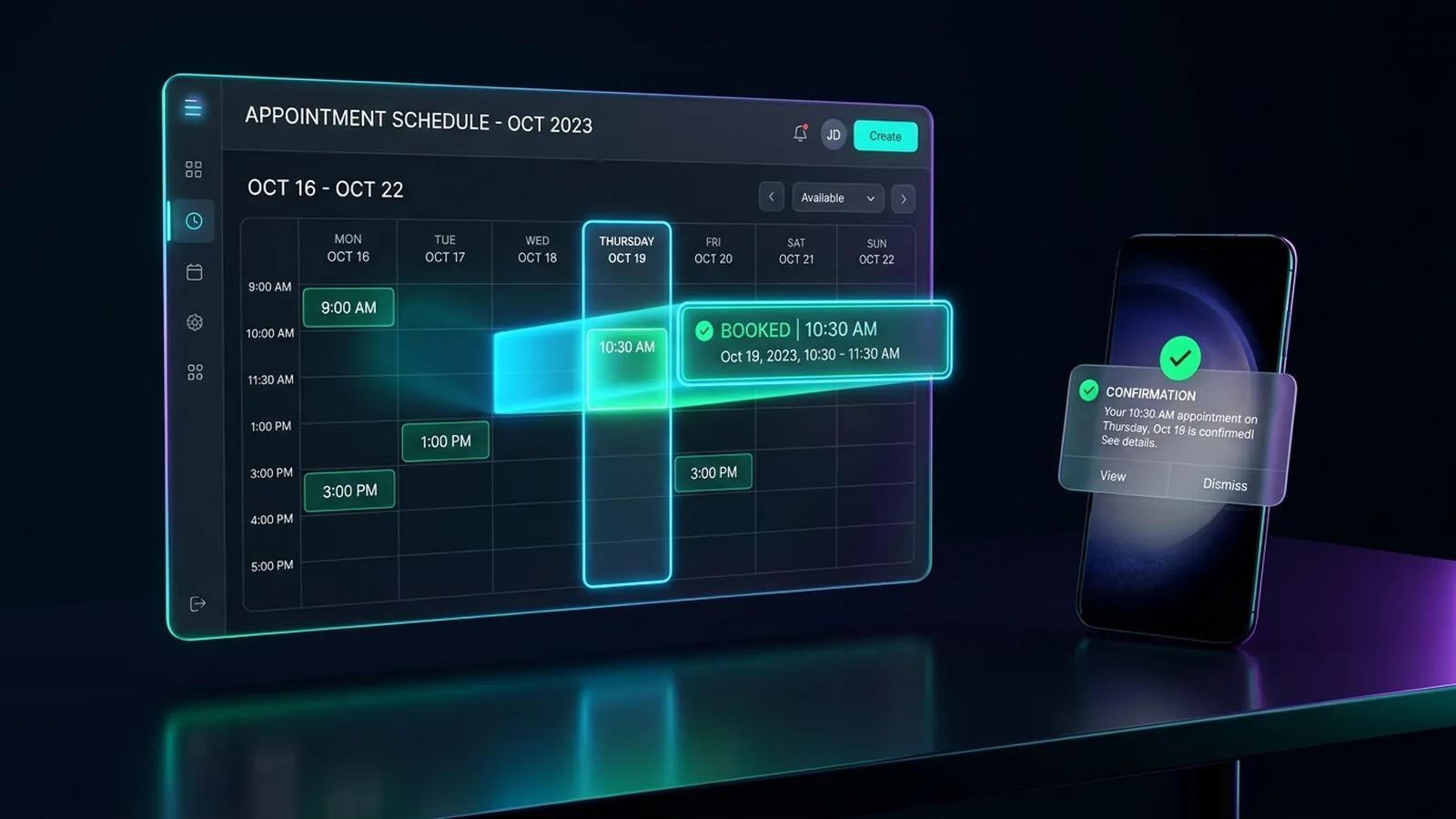
- Consultations booked straight into your calendarAppointment booking & reminders
- Calls and chats answered from approved info, messages routedAI receptionist
- Letters, tax documents and forms read and filed to the right clientDocument processing & data entry
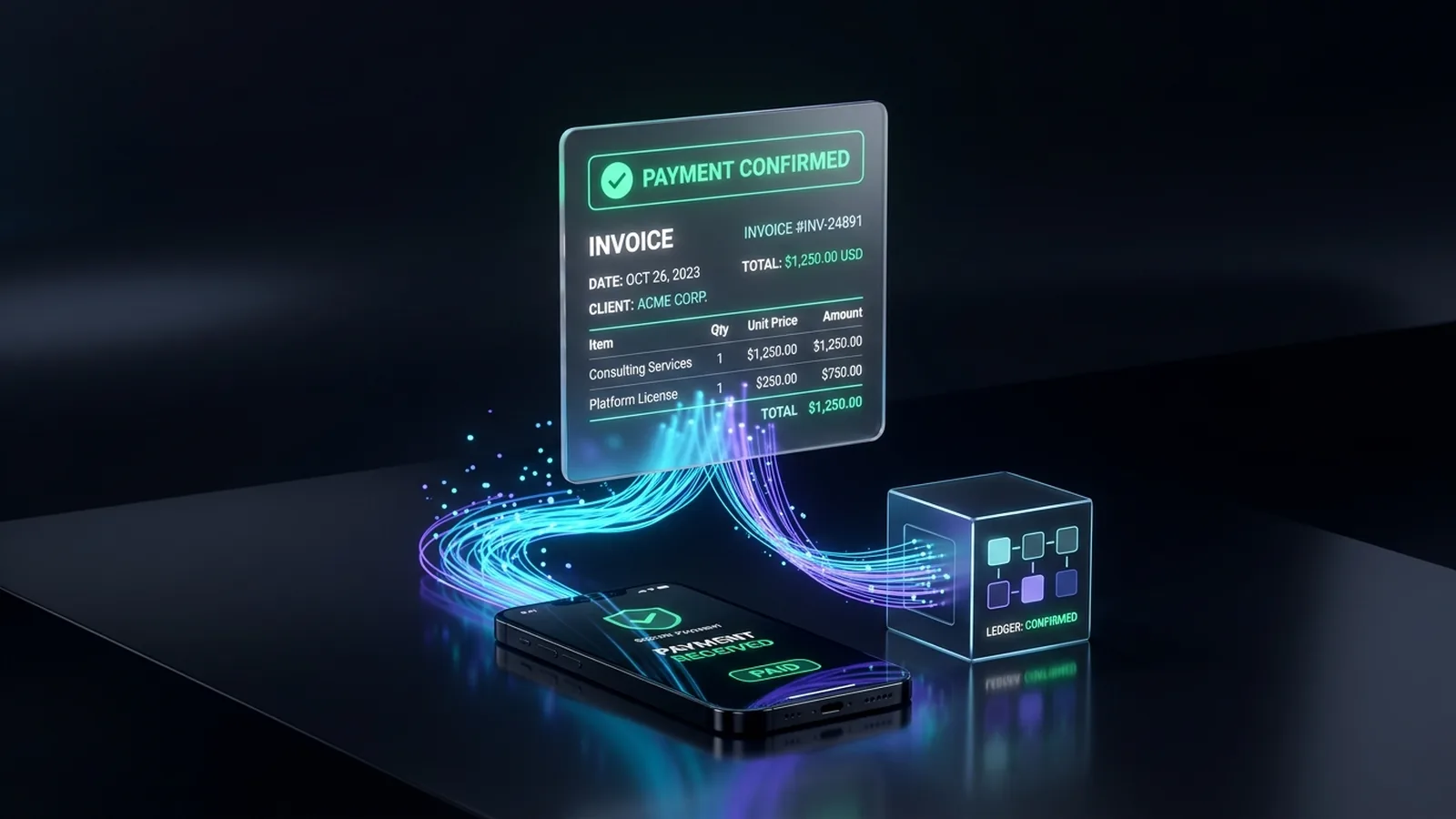
- Invoices and payment reminders sent on timeInvoicing, billing & payment follow-up
- Clients, matters and pipeline on one dashboardReporting & dashboards
A day with it running
9:05 am: a prospective client fills in your form
Intake questions in minutes; qualified leads get a booking link.
10:30 am: a client emails their tax documents
Read, sorted and filed, with missing items noted.
1:00 pm: calls come in while you're with a client
Routine questions answered; the rest summarized for the right person.
Month end: invoices go out
Reminders follow; the dashboard shows what's outstanding.
Confidentiality first
No legal or tax advice
Practical questions only; anything substantive goes to a professional.
Conflict checks stay with you
Intake collects names and the matter; your team decides.
Client data protected
Need-to-know access and your profession's safeguards, like the FTC Safeguards Rule for tax preparers.
AI you supervise
Only approved answers; you can read every conversation.
The services behind it
AI lead follow-up & qualification
Every lead gets a fast reply and a place in your CRM.
Appointment booking & reminders
Customers book, confirm and reschedule themselves.
Document processing & data entry (OCR)
Invoices, forms and PDFs read and entered for you.
Invoicing, billing & payment follow-up
Invoices sent, payments matched, overdue ones chased.


FAQ
Common questions
Is it appropriate for a law firm to use AI with clients?
Yes, with care. ABA Formal Opinion 512 (2024) says lawyers using generative AI must protect confidentiality, understand the tools and supervise them. We set things up so you can.
Will it give legal, tax or bookkeeping advice?
No. Intake, scheduling and practical questions only; anything substantive goes to your professionals.
Which systems can it connect to?
Common ones like Clio, MyCase, QuickBooks, Microsoft 365 and Google Workspace, where plans allow. We check first.
How is client information protected?
Need-to-know access, AI services that don't train on your data, and documented information flows for your security plan.
Read more
AI Receptionist
AI Receptionist for Law Firms: Intake & Confidentiality
Lead Follow-Up
Bookkeeping Client Intake: What to Automate First
Document Processing
OCR & AI Document Processing for Small Business
Appointment Booking
Automated Appointment Reminders: Cutting No-Shows
Invoicing
Automatic Invoice Reminders in QuickBooks: Setup & Limits
CRM
CRM Automation for Small Business: 6 Workflows to Build
Reporting & Dashboards
Automated Weekly Reporting & Live Dashboards
Custom AI Agents
When to Use a Custom AI Agent vs. Rule Automation
AI Receptionist
AI Receptionist vs. Answering Service: Which Fits You?
Lead Follow-Up
What Missed Calls Really Cost a Small Business
Let's look at your week
Tell us how calls, bookings and paperwork work today. We'll show what can run on its own.