Automation service
Invoicing, billing & payment follow-up
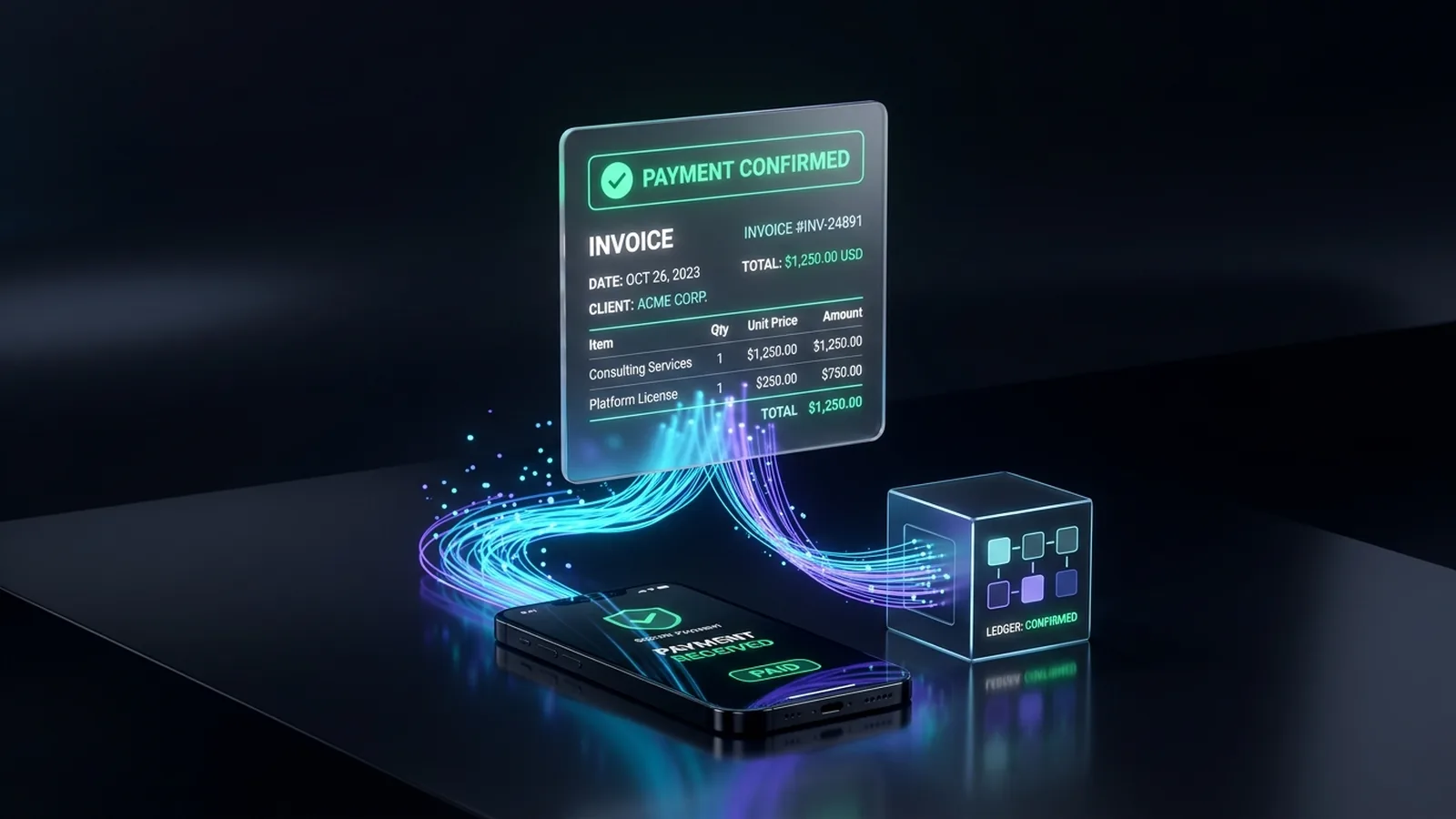
Invoices go out on time, payments match automatically, and polite reminders chase overdue ones.
 Watch Live Demo Below ↓
Who it's for
Service firms, agencies, contractors, wholesalers and subscription businesses with many invoices.
By industry
The problem
Chasing payments by hand
- Invoices go out late, built by hand.
- Overdue invoices slip until cash gets tight.
- Payments matched to invoices by hand.
- Job details re-typed into accounting.
What we automate
- Invoices from jobs, timesheets, orders or contracts
- Recurring invoices and subscription billing
- Pay-online links by email or text
- Reminders before and after the due date
- Payments matched and marked paid
- A weekly summary of who owes what
See it work (demo with sample data)
Job done. Invoice sent. Payment in.
A plumber's technician marks a job complete in the field app. The invoice is built from the job's parts and hours and sent by email and text with a pay link. A polite reminder goes out on day 7, the customer pays on day 9, and the payment is recorded in the accounts.
See all our demosHow it works
From first call to running on its own
Review how you bill today
Where numbers come from, who approves.
Decide the rules and tone
Timing and wording of invoices and reminders.
Connect your systems
Accounting, payments, and job or order records.
Test on past invoices
We rebuild past invoices and compare.
Go live, with approval first
A person approves batches until you're ready.
Tools it connects
We connect to the tools you already use; these are examples. Product names belong to their owners.
- QuickBooks Online or Xero
- Stripe, Square or PayPal
- Your CRM or job-management software
- Gmail or Outlook
- Google Sheets or Excel
- Slack for alerts
FAQ
Common questions
Will invoices go out without anyone checking?
Only if you want. Start with a person approving, then switch to automatic.
Do you work with QuickBooks?
Yes, QuickBooks Online and Xero, among others. Desktop versions are harder; we'll check your setup.
Will the reminders sound pushy?
They say what you want, and stop once payment arrives.
Do you handle our money?
No. Payments go straight to your own accounts. We only connect the systems.
Is this bookkeeping or tax advice?
No. We automate the process; your accountant or bookkeeper stays in charge.
From the blog
Invoicing
Automatic Invoice Reminders in QuickBooks: Setup & Limits
How to turn on automatic invoice reminders in QuickBooks Online, what built-in reminders can't do, and when to add payment follow-up automation.
Related services
CRM setup & integrations
Your tools connected around one clean CRM.
Document processing & data entry (OCR)
Invoices, forms and PDFs read and entered for you.
Reporting & dashboards
Your weekly numbers in one live dashboard.



Ready to hand this off?
Tell us how it works today. We'll show what can run on its own.