HVAC companies
AI receptionist and AI answering service for Houston HVAC companies
Missed-call text-back and after-hours answering so a Houston no-heat call in January or a no-cooling call in July never costs you the job.
The offer
Missed-call rescue for Houston home-service companies
$299 a month — per business line, setup included
- Month to month, cancel with 30 days' notice.
- 14 days free, starting the day it's live on your line. Nothing to pay if you stop.
What's included
- Calls and chats answered day or night, and it says it's an AI
- Missed calls texted back within seconds
- Emergencies sent to your on-call tech
- Jobs booked into your software, where it allows
- Your team sees every conversation and can take over
Built for
- Residential HVAC contractors
- Commercial HVAC and refrigeration
- Maintenance-agreement and service-plan companies
- One-truck operations and multi-crew shops
See it work (demo with sample data)
A 2 AM emergency, answered and dispatched
A family's furnace stops at 2 AM. Nobody picks up, so the AI assistant texts back within seconds, says it's an AI, recognizes an emergency from the company's own rules, pages the on-call technician and books the visit, stating the company's approved after-hours fee.
See all our demos- Missed call at 2:07 AMThe office is closed
- Text sent within secondsThe assistant says it's an AI
- Emergency recognizedNo heat with a baby: your rule
- On-call technician pagedDan accepted the job
- Visit bookedEmergency call-out, 2:45 AM
- Fee statedYour approved after-hours fee
- Office summary readyWaiting at 7:30 AM
The problem
A missed call is a missed no-heat or no-cooling job
- Calls come in while your techs are on the roof or in the attic.
- No cooling in extreme heat, or no heat on a freezing night, can't wait for a callback.
- "Is my system still under warranty?" and "when's my tune-up?" calls eat office hours.
- Invoices for finished jobs go out late and get chased by hand.
What we automate for you
- Calls answered day or night; no-cooling and no-heat calls sent to your on-call techAI receptionist
- Missed calls texted back within secondsAI lead follow-up & qualification
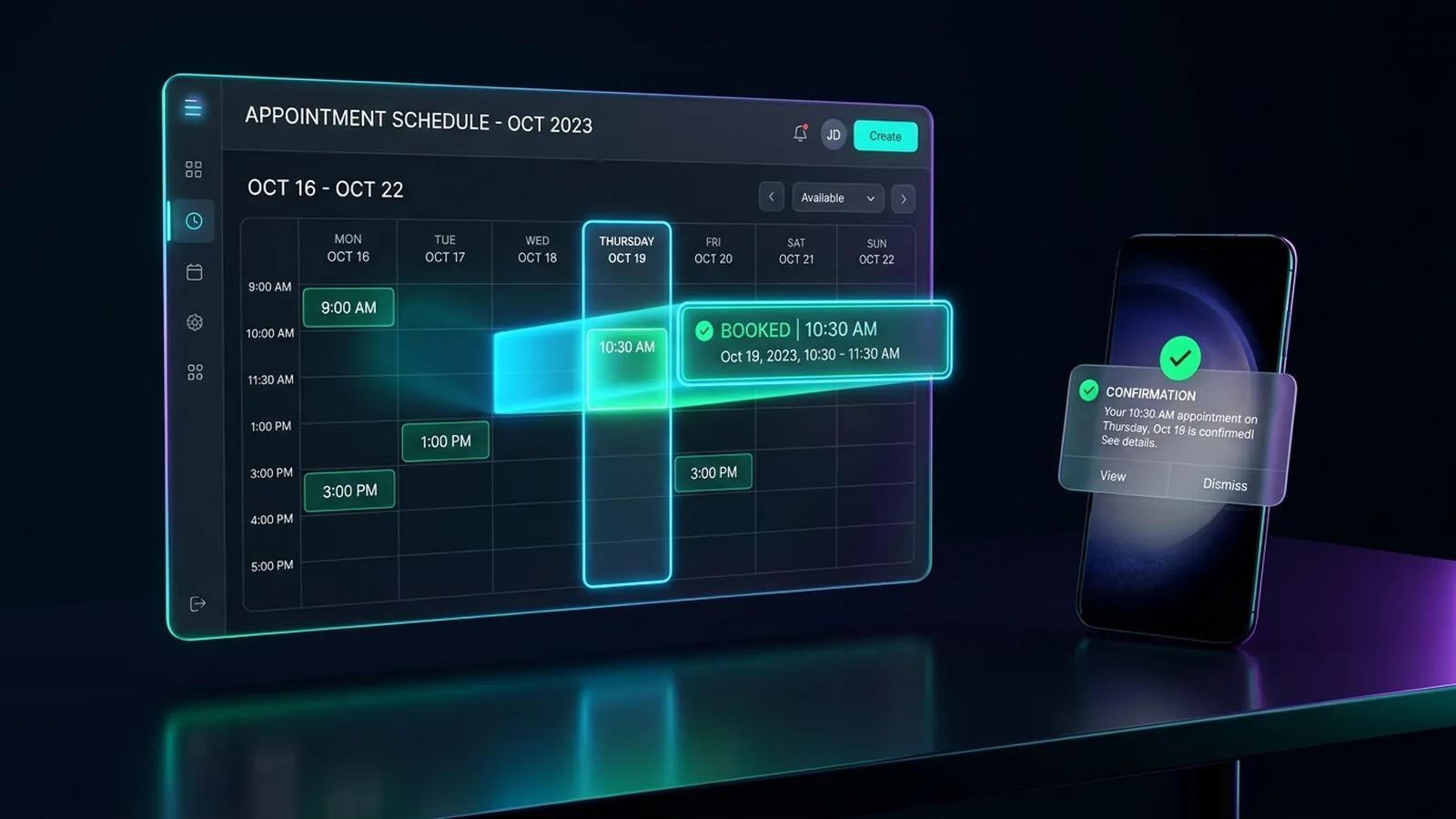
- Service calls and tune-ups booked into your software, where it allowsAppointment booking & reminders
- Arrival windows, reminders and "on the way" textsAppointment booking & reminders
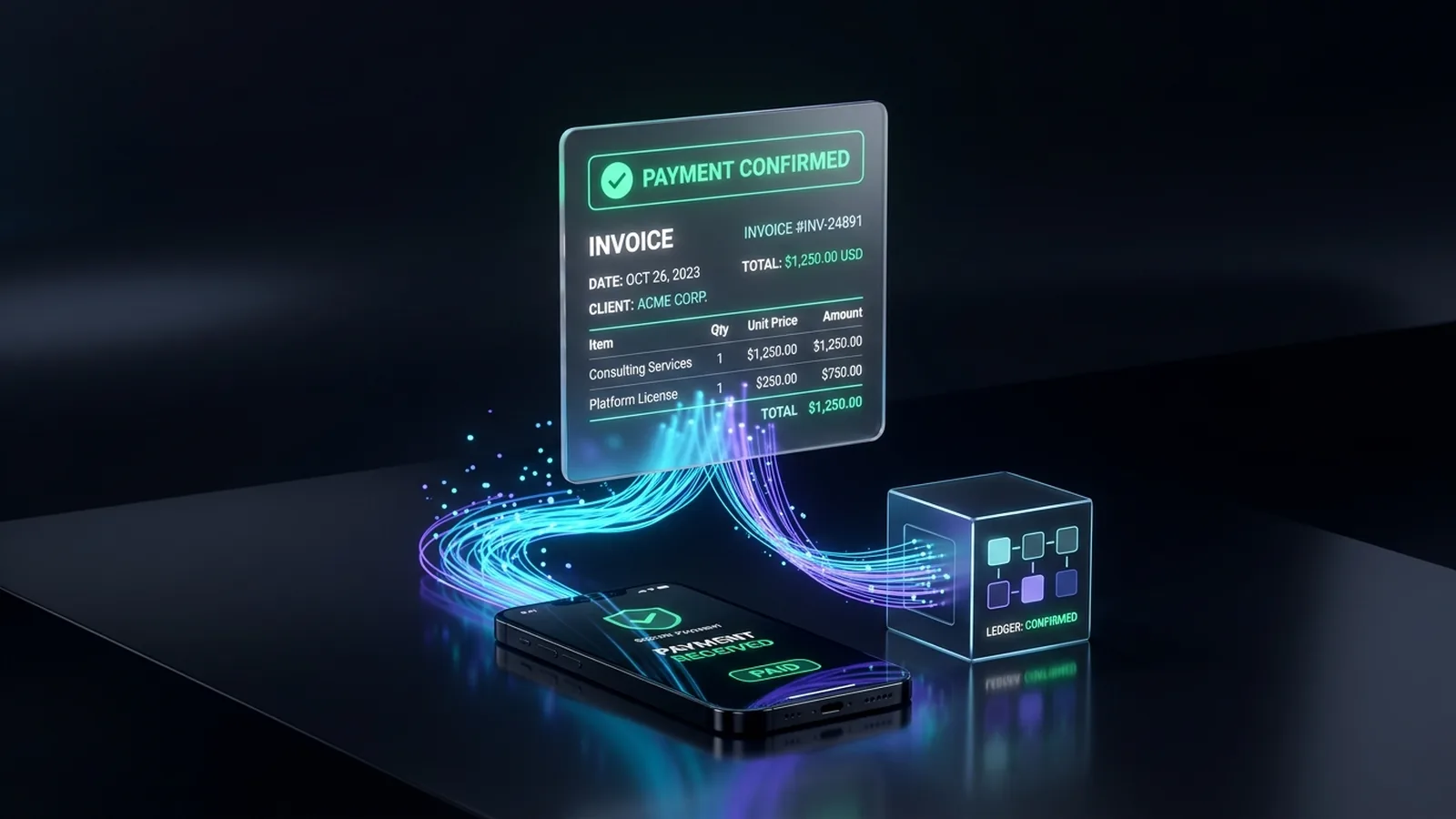
- Invoices sent at job close, reminders until paidInvoicing, billing & payment follow-up
- Maintenance-plan renewal reminders and review requests after every jobCRM setup & integrations
A day with it running
6:45 am, extreme heat: an AC quits
The caller gets a text back in seconds; the on-call tech is paged with the address.
Midday: the office line is busy
Overflow calls booked straight into your schedule, not voicemail.
Tune-up season: renewal reminders go out
Maintenance-plan customers book their visit from a text, no call needed, before a tech climbs into an attic or up to a rooftop unit.
Job closed: the invoice goes out
Reminders until paid; customers get a review request, and maintenance-plan customers get a reminder for next season.
Built around how HVAC crews work
Your triage rules
You decide what counts as a no-cooling or no-heat emergency. It never decides one can wait.
No made-up quotes
Only the service-call fee and prices you approve; your technician confirms on site.
Maintenance-plan texts done properly
Tune-up reminders and renewal texts go only to customers who signed up or contacted you, with easy opt-out, under TCPA and carrier rules.
Your dispatch software stays the source of truth
Tools like ServiceTitan or Jobber book the service call or tune-up, where plans allow; otherwise your office gets a job summary before a tech heads to the attic or roof.
The services behind it
AI receptionist: chat, WhatsApp and phone answering
Answers your chat, WhatsApp and phone line.
AI lead follow-up & qualification
Every lead gets a fast reply and a place in your CRM.
Appointment booking & reminders
Customers book, confirm and reschedule themselves.
Invoicing, billing & payment follow-up
Invoices sent, payments matched, overdue ones chased.


FAQ
Common questions
Can it tell a no-cooling emergency from a routine tune-up call?
Yes, from rules you set: for example, no cooling in extreme heat or no heat in freezing temperatures counts as urgent and goes straight to your on-call technician; tune-ups and estimates get booked into your calendar instead.
Does it work with ServiceTitan, Jobber or Housecall Pro?
Often it can create the job directly, depending on your software and plan's API access. Where a connection isn't available, your office gets a complete summary instead.
Can it check whether a caller is in our Greater Houston service area?
Yes. You give us the cities or ZIP codes your trucks run — whether that's Houston, Katy, Sugar Land, The Woodlands, Pearland, Cypress, Spring or Clear Lake — and it checks the address before booking.
Can it reply to chats and texts in Spanish?
Website chats, texts and WhatsApp messages, yes, in English and Spanish from your approved information. Ask us about phone calls in Spanish.
Will it quote a price for a repair or new system?
Only the numbers you approve, like a service-call fee or a price range for common jobs. It always says the technician confirms the price after seeing the unit.
Can we keep our phone number?
Usually: calls forward from your existing number, such as after hours or when the line is busy.
Do you offer missed-call text-back?
Yes. Missed calls get a text back within seconds, day or night, so the caller hears from you before they try the next company.
Read more
AI Receptionist
AI Receptionist for HVAC: Tune-Ups & No-Heat Calls
AI Receptionist
AI Receptionist for HVAC, Plumbing and Roofing
Lead Follow-Up
What Missed Calls Really Cost a Small Business
AI Receptionist
AI Receptionist vs. Answering Service: Which Fits You?
Lead Follow-Up
The 5-Minute Rule: Why Slow Replies Lose Home-Service Jobs
AI Automation
Hiring an AI Receptionist Company in Houston: What to Ask
Appointment Booking
Automated Appointment Reminders: Cutting No-Shows
Invoicing
Automatic Invoice Reminders in QuickBooks: Setup & Limits
Let's look at your week
Tell us how calls, bookings and paperwork work today. We'll show what can run on its own.