Automation service
Appointment booking & reminders
Customers book themselves, get text, email or WhatsApp reminders, and reschedule without calling.
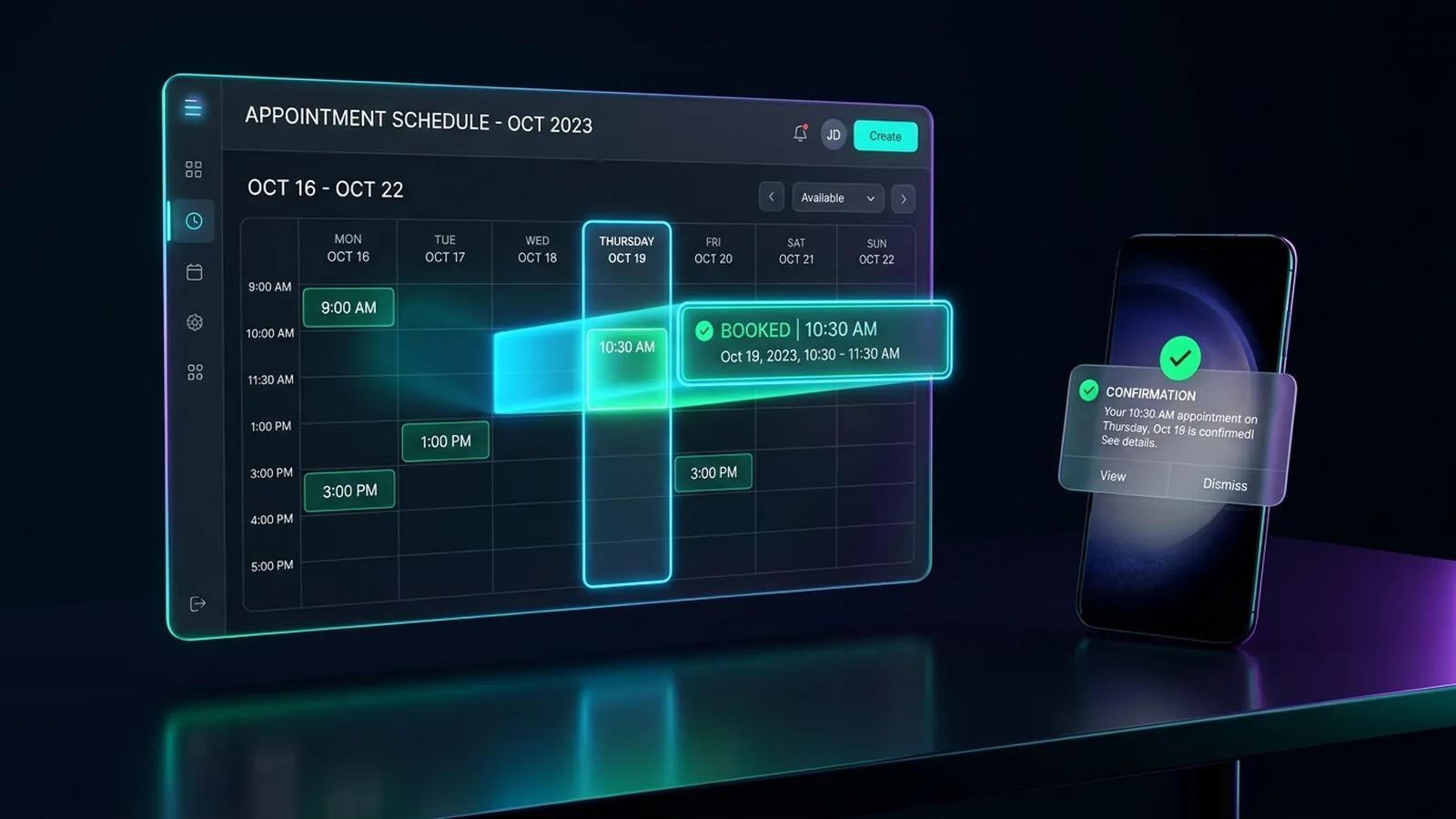 Watch Live Demo Below ↓
Who it's for
Clinics, salons, consultants, home services, studios, repair shops: anyone on appointments.
By industry
The problem
Scheduling eats the day
- Endless back-and-forth to find a time.
- No-shows leave gaps in the diary.
- Bookings scattered across calendars and inboxes.
- Staff re-type bookings into other systems.
What we automate
- Online booking with your real availability
- Confirmations and reminders by email, text or WhatsApp
- One-tap reschedule or cancel links
- Intake forms and deposits before the visit
- Cancelled slots offered to your waitlist
- Bookings synced to your CRM and invoicing
- Thank-yous, review requests to every customer, rebooking reminders
See it work (demo with sample data)
Fewer no-shows, without a phone call
A car service customer gets an automatic reminder the day before, replies R to reschedule, picks a new time from the live calendar and gets a morning-of reminder. The freed slot is booked online by someone else the same day.
See all our demosHow it works
From first call to running on its own
Map how you book today
Services, staff, locations, booking sources.
Set the rules
Hours, buffers, staff, cancellation terms.
Connect your calendar and tools
Calendar, CRM, payments, messaging.
Test it with your team
Real bookings and changes, before launch.
Go live
We watch the first weeks and adjust.
Tools it connects
We connect to the tools you already use; these are examples. Product names belong to their owners.
- Google Calendar or Outlook Calendar
- Calendly, Acuity or your booking system
- Your CRM
- Text messages and WhatsApp Business
- Stripe or Square for deposits
- Zoom, Google Meet or Microsoft Teams
FAQ
Common questions
Do we have to change our booking software?
No. We build around yours if it connects, or recommend one if you have none.
Can reminders go by text?
Yes, to customers who agreed to receive them. Every text includes an opt-out.
Can it handle several staff members and locations?
Yes. Each gets its own hours, services and rules.
Can we take deposits?
Yes, via Stripe or Square. Money goes straight to your own account.
Does it work with an AI receptionist?
Yes. Same rules and calendar, so every booking lands in one place.
From the blog
Appointment Booking
Automated Appointment Reminders: Cutting No-Shows
How automated text, email and WhatsApp appointment reminders, one-tap rescheduling and waitlist offers reduce no-shows for clinics and service firms.
Related services
AI receptionist: chat, WhatsApp and phone answering
Answers your chat, WhatsApp and phone line.
AI lead follow-up & qualification
Every lead gets a fast reply and a place in your CRM.
Invoicing, billing & payment follow-up
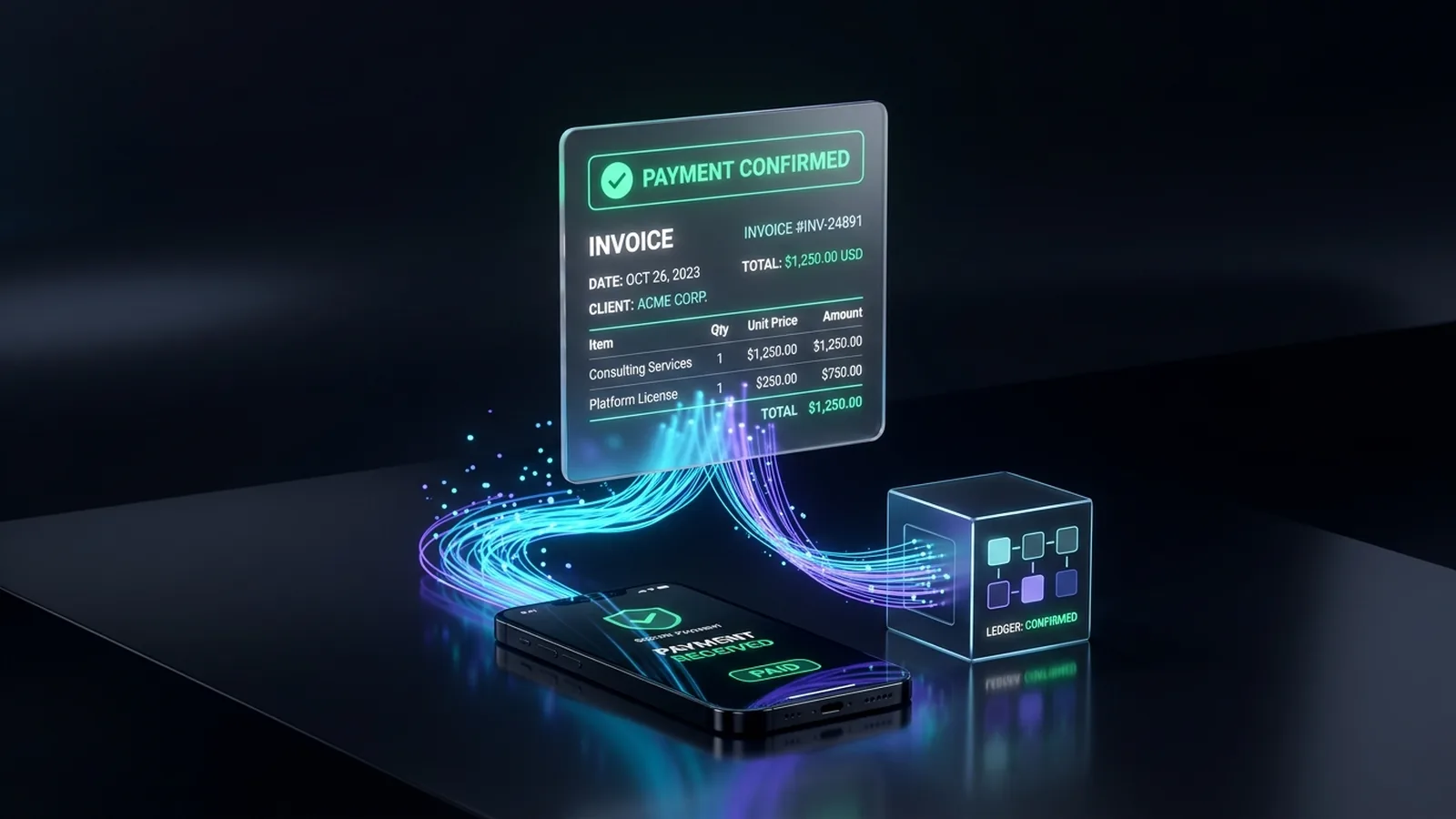
Invoices sent, payments matched, overdue ones chased.
Ready to hand this off?
Tell us how it works today. We'll show what can run on its own.