AI Receptionist4 min readBy SMB Web Tech
AI Receptionist for HVAC, Plumbing and Roofing
How an AI receptionist answers after-hours calls for HVAC, plumbing and roofing companies, sorts emergencies, books jobs and fits your dispatch.
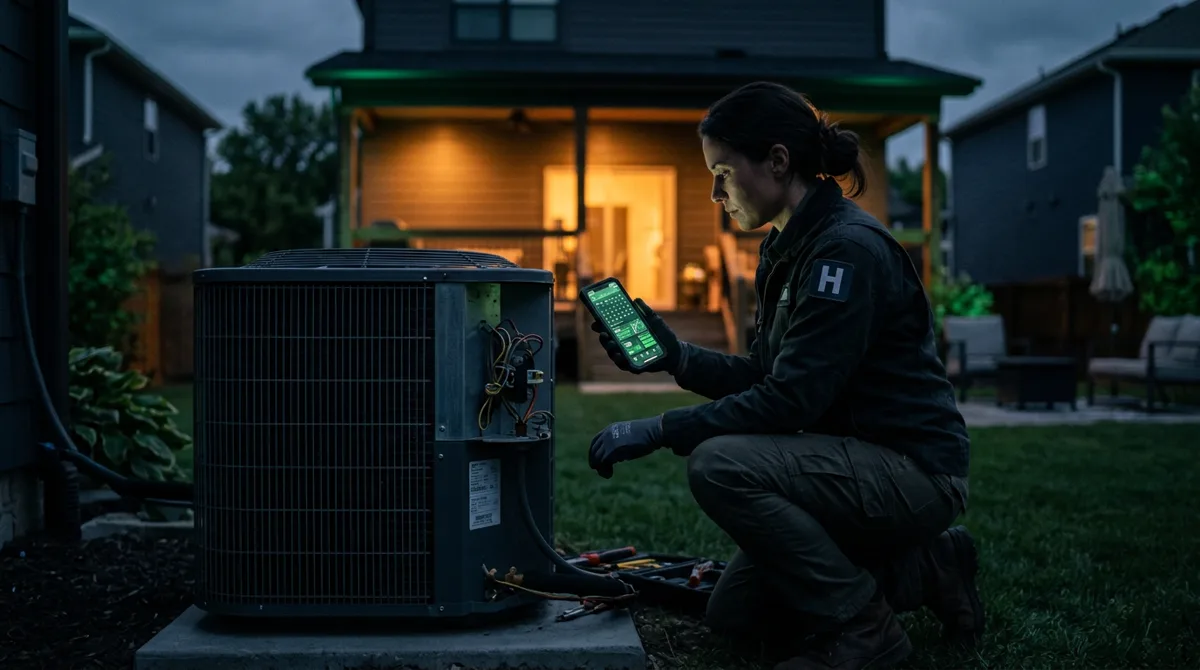
For HVAC, plumbing and roofing companies, the phone is the business. A lot of the most valuable calls come at the worst times: a furnace that quits on the coldest night of the year, a water heater that floods a garage on Sunday morning, a storm that takes shingles off half the neighborhood. If nobody answers, the homeowner calls the next company on the list.
An AI receptionist can answer those calls, day or night, sort the emergencies from the routine, and book or dispatch the job. This article explains how that works in a home-service business, what it should and shouldn’t do, and how to set it up so your technicians trust it.
What the calls actually look like
Most home-service calls fall into a few groups:
- Emergencies: no heat or no cooling in extreme weather, active leaks, burst pipes, sewage backups, storm damage, a gas smell.
- Urgent but not dangerous: a noisy unit, a slow drain, a small leak that can wait until morning.
- Routine bookings: maintenance visits, estimates, seasonal tune-ups, inspections.
- Questions: service areas, hours, whether you do a certain job, your service-call fee, whether you offer financing.
- Existing jobs: “when is the tech coming?”, reschedules, invoices.
An AI receptionist handles the questions and routine bookings itself, sorts the urgent from the dangerous, and gets the right calls to a person fast.
How it sorts emergencies
The heart of the setup is a short list of triage rules, written with you, not by the software. For example:
- Possible danger (gas smell, electrical burning smell, flooding near electrical panels): give the safety instructions you’ve approved (for a gas smell, leave the building and call the gas company’s emergency line or 911 from outside), then alert your on-call technician.
- Emergency (no heat below a set outdoor temperature, active leak, sewage backup): collect the address, the problem and a callback number, then page or call your on-call technician immediately.
- Urgent, can wait (dripping faucet, noisy unit): offer the first available appointment and explain your after-hours fee if one applies.
- Routine: book into your calendar or booking system.
Because the rules are yours, the assistant makes the same decision your best dispatcher would, at 2 a.m. and on holidays, and it never “decides” a gas smell can wait.
What it collects on every call
A good job starts with a good intake. Agree on what your technicians need, typically:
- name, callback number and service address,
- the problem in the customer’s words, plus a few quick questions (how old is the unit? is water still running?),
- system type or brand, if the customer knows it,
- access notes (gate codes, pets, parking),
- whether the customer is an existing customer or a member of your maintenance plan.
The assistant sends this to your team as a clean summary, or creates the job in your software where a connection is possible, so nobody has to call the customer back just to ask the basics.
Fitting your dispatch and your software
Most home-service companies run on field-service software such as ServiceTitan, Jobber or Housecall Pro. An AI receptionist can often create a booking, request or job there directly, but how much it can do depends on the software and on your plan’s access to its API. Some plans allow full booking into the schedule; others only allow creating a request for your office to confirm.
We check this first, and choose the most reliable option:
- Direct booking into your schedule, when your software and plan allow it,
- A job request that your office confirms in the morning,
- A complete summary by text or email, when no connection is available.
For emergencies, the hand-over should never depend on software: the on-call technician gets a call or text straight away.
Prices, quotes and promises
Homeowners always ask what it will cost. The assistant should only give the numbers you approve: your service-call or trip fee, after-hours rates, and perhaps price ranges for common jobs, with a clear note that the technician confirms the price after seeing the problem. It should never invent a quote or promise an arrival time you can’t keep. If you offer financing or a maintenance plan, it can explain the basics and pass interested callers to your office.
Getting started without risk
- Start with after-hours calls only. Today they go to voicemail or an answering service, so anything the assistant answers is a gain.
- Write the triage rules with your most experienced dispatcher. Test them against a week of real past calls.
- Read every conversation for the first two weeks. Fix wrong answers, add missing ones, and tighten the rules.
- Then add daytime overflow, so calls ring through to the assistant when the office line is busy.
You can see an after-hours call turned into a booked job in our missed-call demo, played out with sample data. If you’re weighing an AI receptionist against an answering service, we compare them here, and What Missed Calls Really Cost a Small Business shows how to put a number on the calls you’re missing. Our AI receptionist service explains how we set one up, or you can see plans and sign up online on our AI Receptionist page. Run an HVAC, plumbing, roofing or electrical company? See our dedicated HVAC page, plumbing page, roofing page, electrical page and home services overview.