AI Receptionist2 min readBy SMB Web Tech
AI Receptionist for HVAC: Tune-Ups & No-Heat Calls
How Houston HVAC companies answer every peak-season call, text back missed callers in seconds, page on-call techs for no-heat calls, and book jobs.
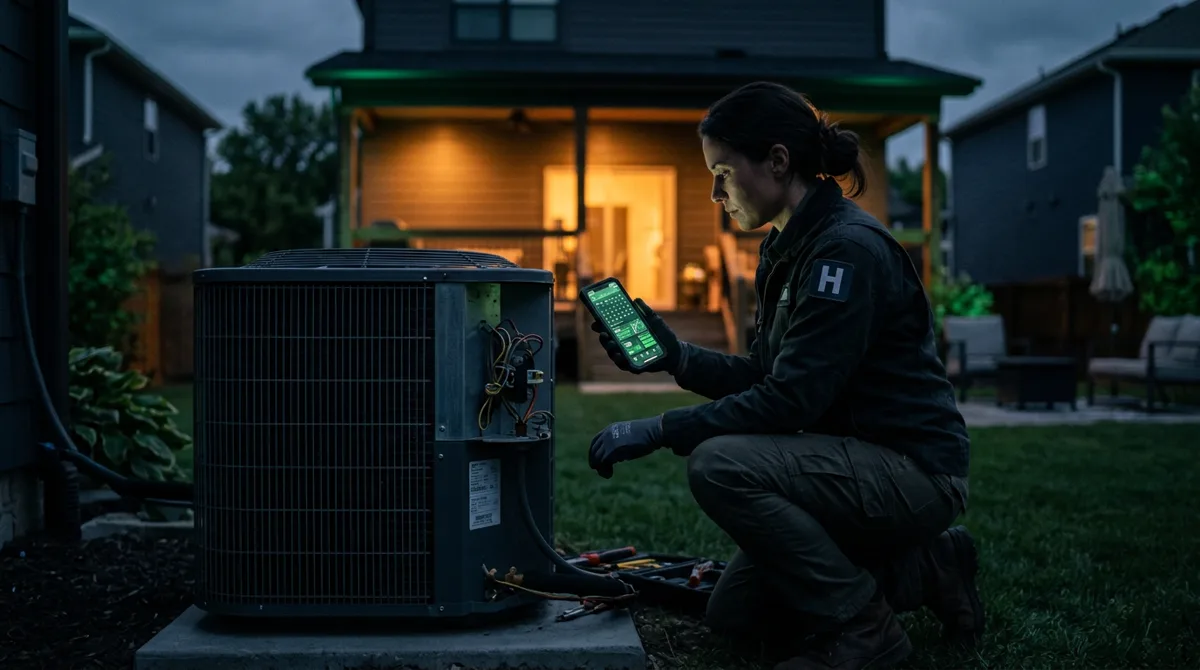
In Houston and across the Texas Gulf Coast, HVAC demand arrives in sharp weather spikes. The first 95°F afternoon in May or the first freezing night in winter turns a quiet dispatch board into dozens of simultaneous phone calls while every technician is already in an attic or on a rooftop unit.
When a homeowner with a dead AC compressor or a furnace that won’t ignite reaches voicemail, they rarely wait hours for a callback — they call the next HVAC company on Google. Research from the Lead Response Management study (InsideSales.com / MIT) shows that the odds of qualifying a lead drop 21-fold when response time stretches from five minutes to thirty (leadresponsemanagement.org).
Why HVAC phones miss calls during the weeks that matter most
Even well-run two- to ten-truck HVAC companies hit the same bottleneck three times a year:
- Spring and fall tune-up rushes: Maintenance-plan customers call at the same time new repair leads are ringing in, tying up your dispatcher on routine scheduling questions.
- Peak summer and winter emergencies: Calls cluster between 4:00 PM and 10:00 PM — right when families get home to a warm house and your office staff has gone home.
- Technicians in attics and mechanical rooms: If the owner or lead tech answers the business line from the field, crawlspaces and loud condensers force calls to voicemail.
A 30-day phone monitoring study of 85 small businesses by 411 Locals found that only 37.8% of incoming calls were answered by a live person, while 62% went to voicemail or went unanswered (411locals.us).
What an AI receptionist does on an HVAC line
An AI answering service built for HVAC contractors (see our Houston HVAC AI Receptionist page) handles the front line day and night without pretending to be a technician:
- Answers live or texts back missed calls within seconds: If your office line is busy or rings out after hours, the caller immediately receives a polite text asking how your team can help.
- Identifies itself honestly: It states clearly that it is your company’s AI assistant.
- Runs your seasonal triage checklist: It asks for the service address, whether the system is cooling or heating at all, whether water is dripping from the secondary drain line, and the approximate age of the unit.
- Separates true emergencies from routine work:
- Emergencies you define (no cooling in summer heat, no heat on a cold night, water overflowing in an attic, elderly or infant in the home) trigger an instant alert to your on-call tech with the customer’s name, number, address, and issue summary.
- Routine tune-ups, quotes, and maintenance-plan visits are booked into your approved daytime windows.
- Quotes only approved fees: It shares your standard diagnostic or after-hours dispatch fee if you want it stated up front, and leaves repair pricing to your tech on site.
How it connects to your dispatch workflow
You don’t need to replace ServiceTitan, Housecall Pro, Jobber, or Google Calendar. During setup, we map your service zip codes across Greater Houston (including Katy, Sugar Land, The Woodlands, Pearland, Cypress, Spring, and Clear Lake), your approved diagnostic fees, and your on-call escalation rules.
For a deeper look at why fast text-back beats voicemail after hours, read The 5-Minute Rule: Why Slow Replies Lose Home-Service Jobs and our comparison of AI Receptionist vs. Traditional Answering Service.